Press Kit & Media Center
Official materials, logos, screenshots and product descriptions for journalists, tech bloggers and content creators.
Short description (boilerplate)
LastBrowser is the first AI-native web browser for Windows and Linux (Linux preview) with a true ConPTY PowerShell terminal, Castlabs Widevine DRM L3 and isolated multi-account Spaces. It combines state-of-the-art AI workflows (BYOK & MCP) with uncompromising Local-first privacy without involuntary telemetry.
Founder statement
“Traditional browsers treat AI like a bolted-on chatbot and developers like mere consumers. We built LastBrowser to fuse the command line, vertical organization and local AI models directly into the Windows shell – without letting sensitive data end up in third-party clouds.”
— Rainer Dominik, LastBrowser initiator
Graphics assets & screenshots
More screenshots from LastBrowser 0.1.60 are in the Screenshots section below and in the press kit. Please contact press for images.
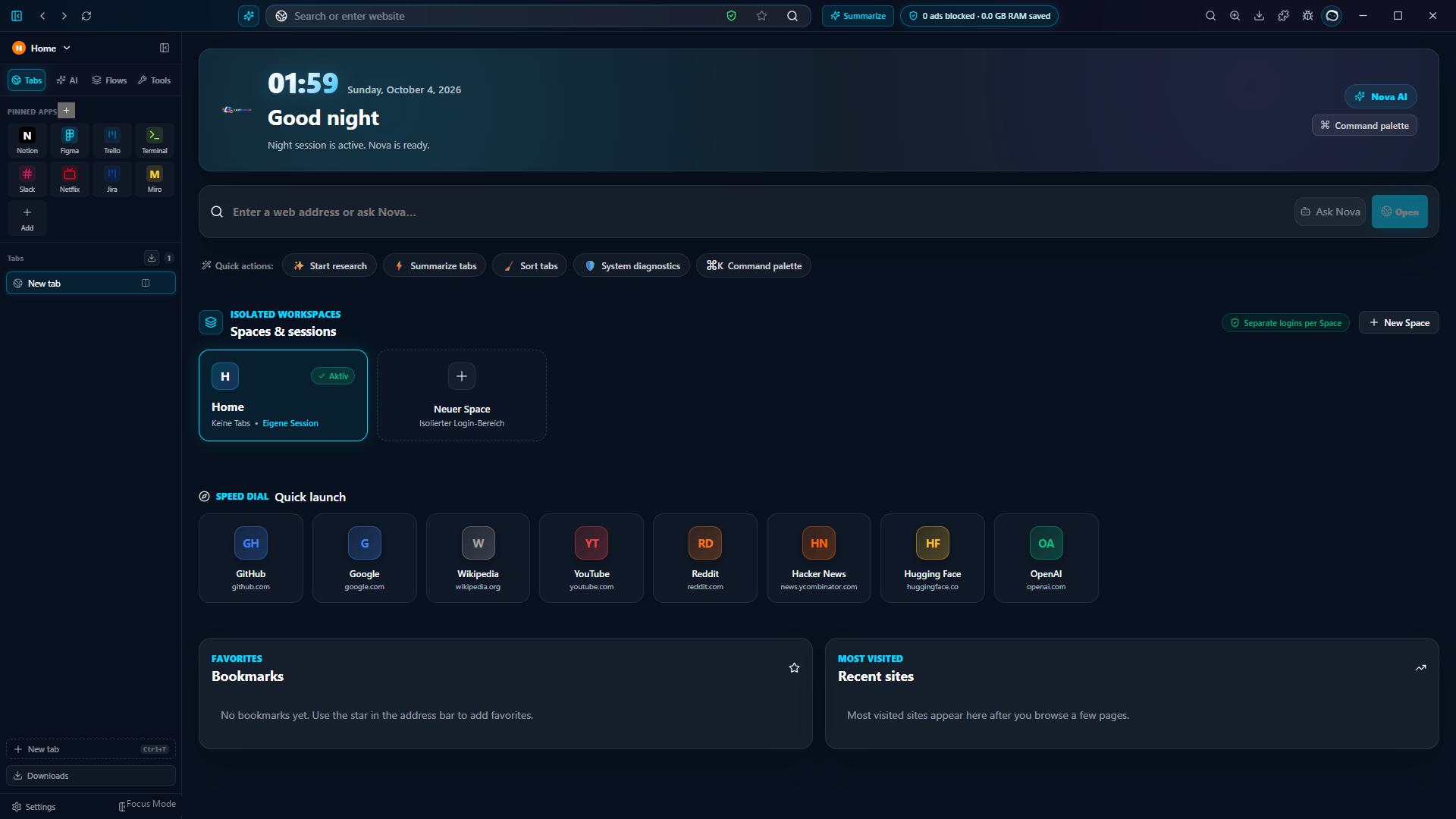
Includes logo, app icon, mascot, fact sheet and 28 screenshots (1920×1080).
Screenshots
Real screenshots from LastBrowser 0.1.60 at full resolution (1920×1080). Click to open or download.


All screenshots are included in the press kit ZIP.
Press contact & interview requests
For interviews, test builds or technical questions, reach us directly by email:
📧 Contact [email protected]