✦ Architecture Deep Dives · v0.1.32 Public Beta

Built for Focus, Freedom & Data Control.

Discover the five architectural pillars behind Lastbrowser and see how it fundamentally differs from conventional web browsers.

Pillar 1 · Intelligence

Nova AI & BYOK Freedom (Bring Your Own Key)

No forced $20/month subscription. Lastbrowser plugs directly into your own credentials. Use free Google Gemini CLI authentication with automatic multi-account round-robin: upon reaching quota thresholds (HTTP 429), queries cycle seamlessly to your next account without interruption.

Alternatively, supply personal API keys for Claude 3.5 Sonnet, OpenAI GPT-4o / o3-mini, or connect completely offline local LLMs via Ollama. Customize assistant personality mentalities (Pragmatic, Inquisitive, Technical, Visionary) and name freely.
Gemini Multi-Account Quota
Claude 3.5 Sonnet
OpenAI o3-mini
Ollama Offline
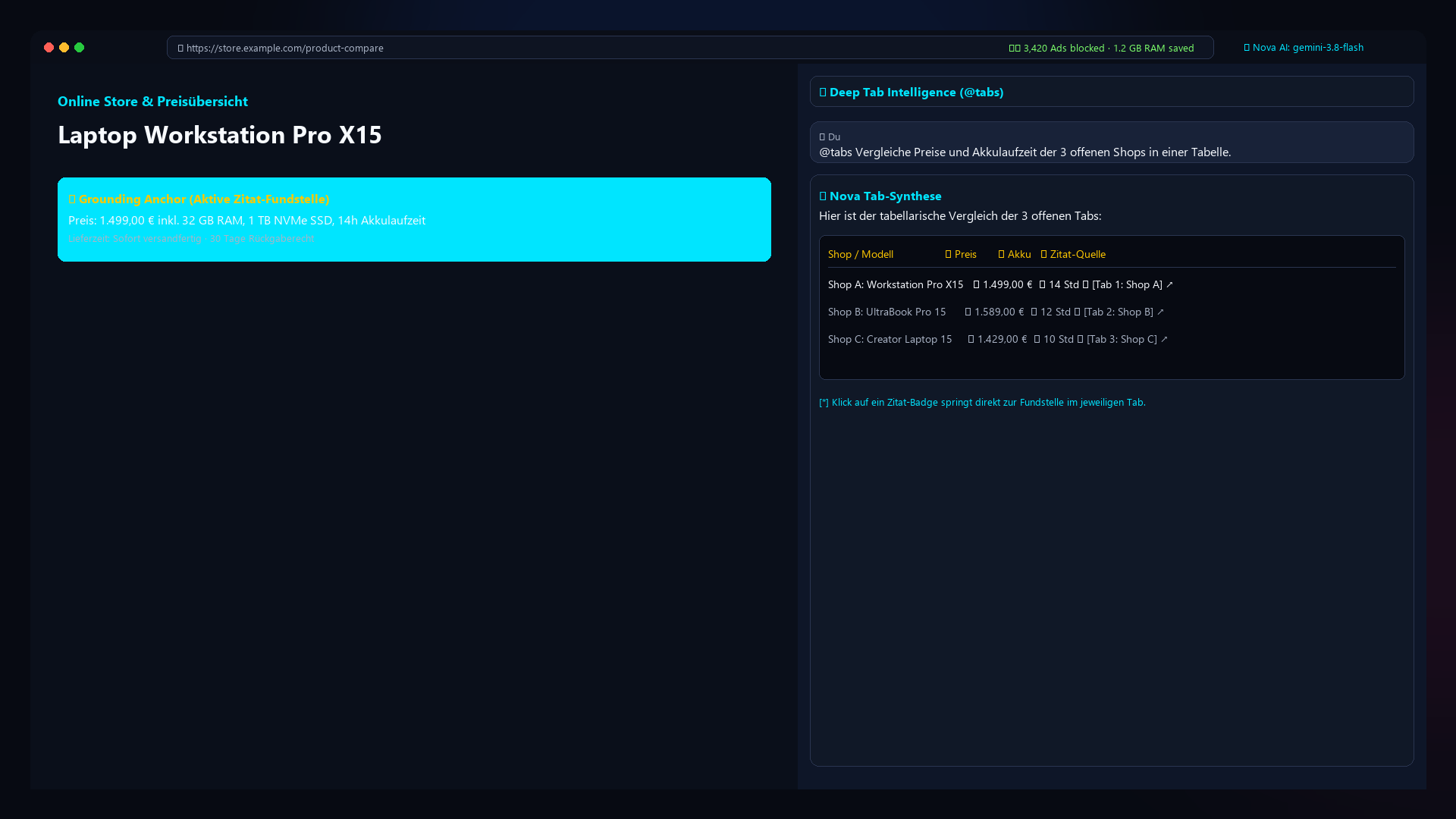
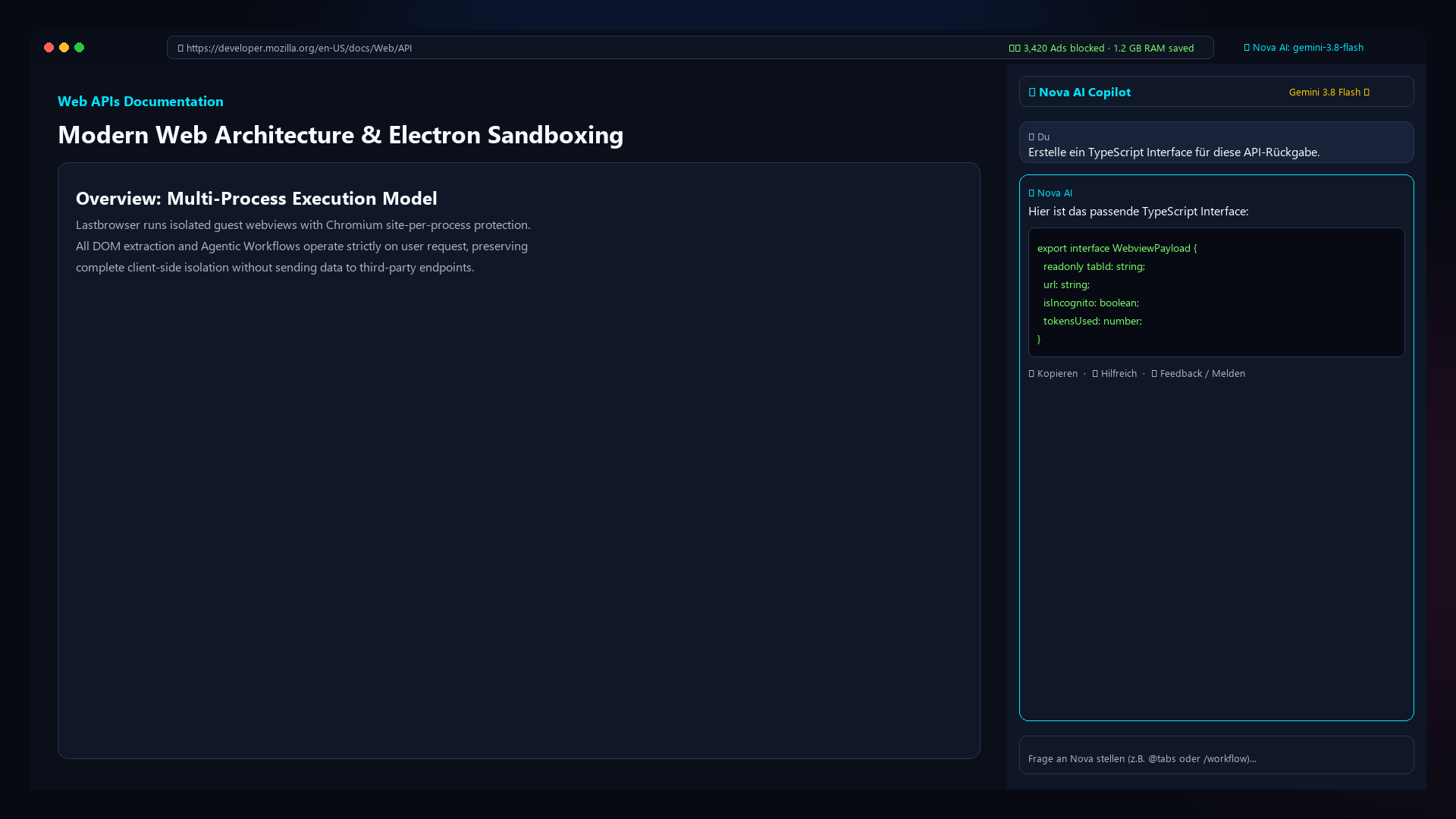
Nova AI Split-View
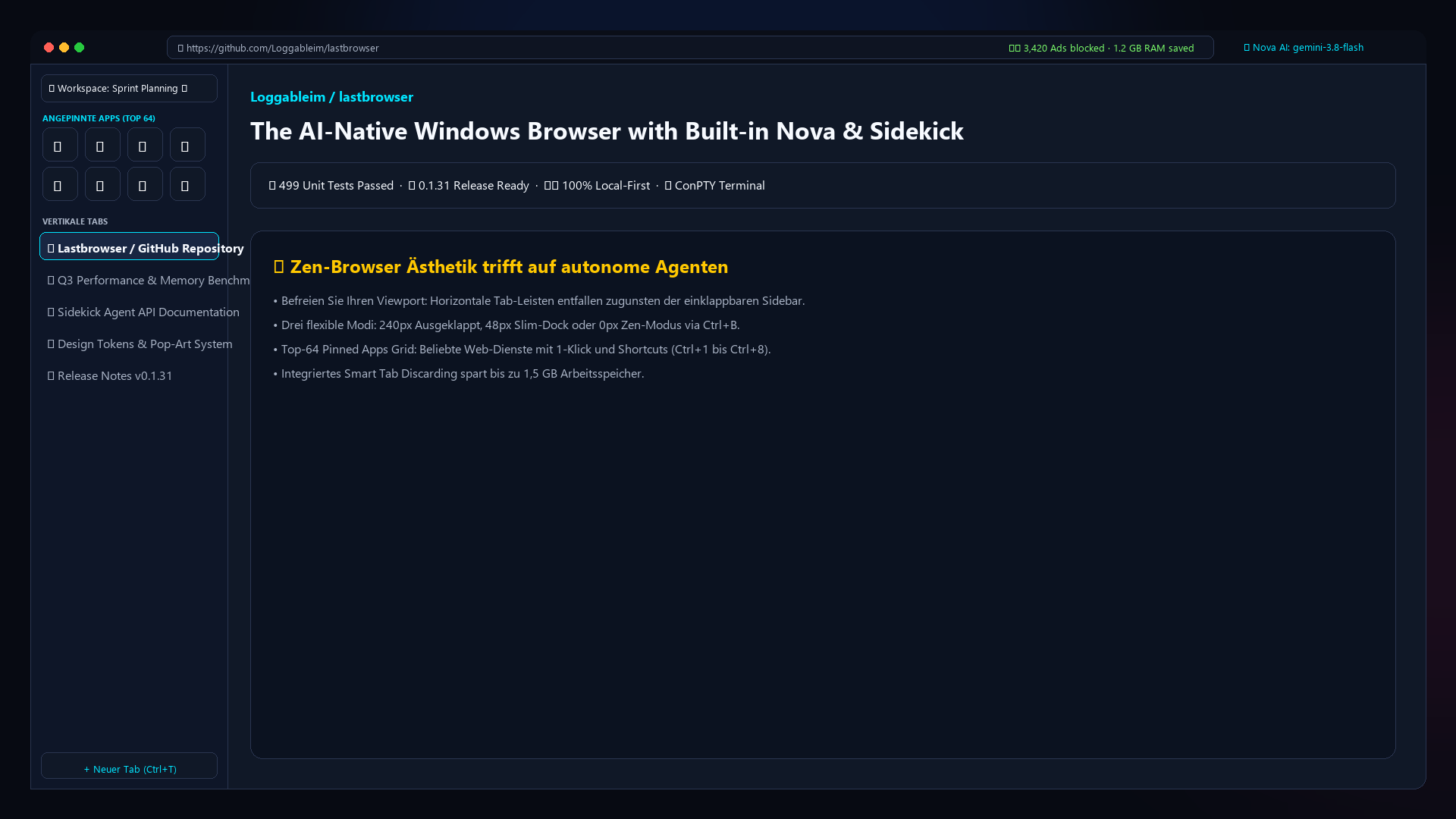
Isolated Spaces in Zen Sidebar
Pillar 2 · Multitasking

Isolated Spaces with 100% Session Partitioning

Forget messy profile windows or credential leaks. In Lastbrowser, every Space possesses a distinct, persistent partition key (persist:profile:space).

This means: In Space “Work” you are signed into your corporate Google workspace, in Space “Personal” into your private account, and in Space “Research” completely clean. Zero session spillover, native tab organization, and an integrated Space Hub start page with real-time tab counters.

True Cookie Isolation
Multi-Session Partitioning
Space Hub Dashboard
Pillar 3 · Extensibility

Unified Extension & Skill Hub (Chrome MV3 + MCP)

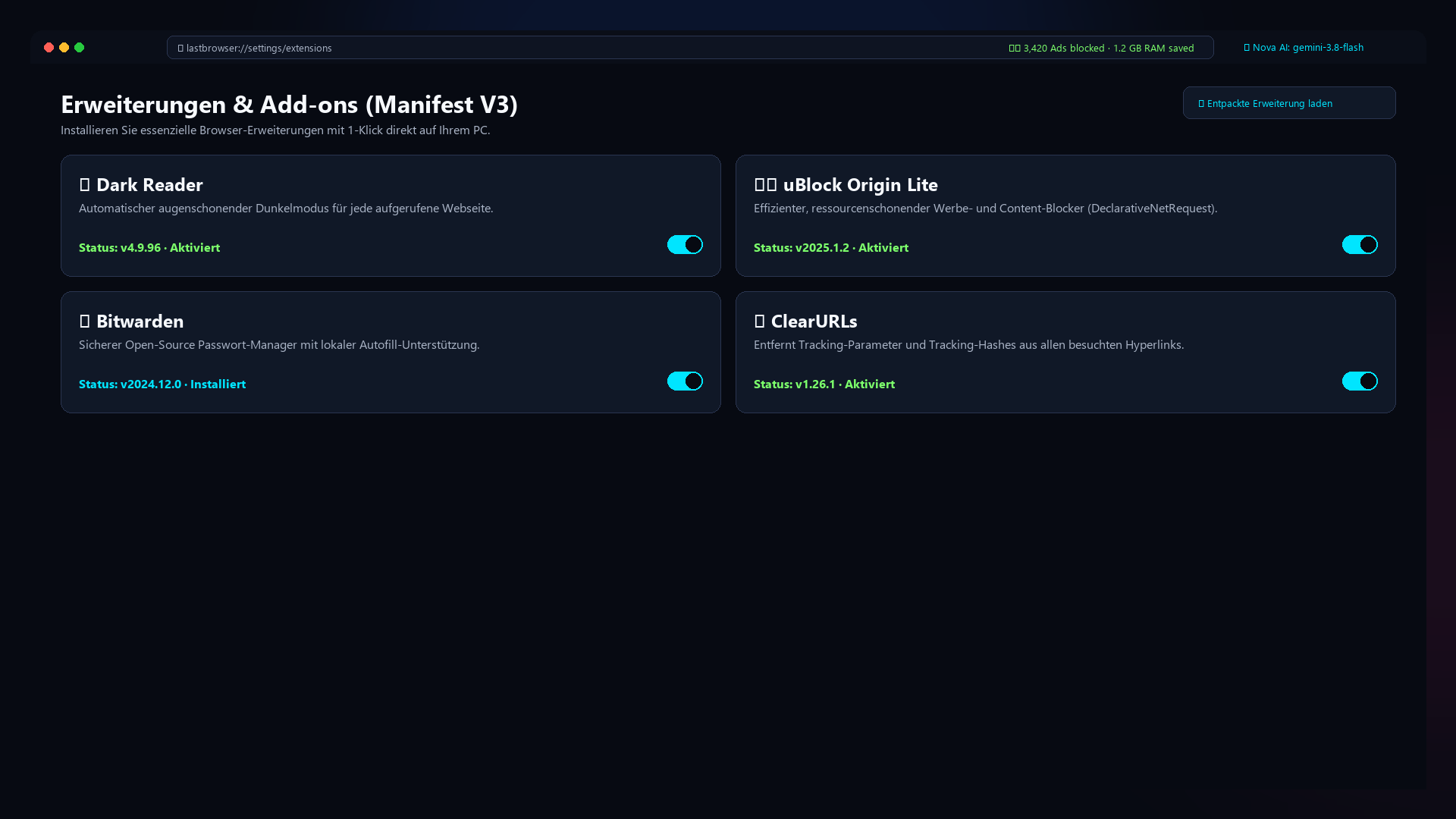
Two major ecosystems united under one roof (Ctrl+Shift+X): Install Chrome MV3 WebExtensions like uBlock Origin Lite, Dark Reader, or Bitwarden with 1 click or directly via web store URLs.

Simultaneously, Lastbrowser supports the open Model Context Protocol (MCP): Connect external tooling and databases via standardized stdio/sse interfaces—compatible with the Claude Desktop ecosystem and enriched with 48 curated agentic skills.

Chrome MV3 Extensions
Model Context Protocol (MCP)
48 Agentic Workflows
Unified Extension & MCP Hub
Castlabs Widevine DRM Streaming
Pillar 4 · Media & Streaming

Castlabs Widevine DRM for Netflix, Disney+ & More

Lastbrowser integrates the official Castlabs Electron runtime with hardware-accelerated Widevine CDM and Video Multi-Part Protection (VMP) code signing.

Protected media streams on Netflix, Disney+, Spotify, and Amazon Prime Video run natively with hardware acceleration. Utilize the side-by-side Split-View to watch lectures or media on the left while taking notes and generating summaries with Nova AI on the right.

Widevine L3 Hardware CDM
VMP Code-Signing
Synchronized Split-View
Pillar 5 · Developer & Privacy

Native ConPTY Terminal & 100% Local-First Engine

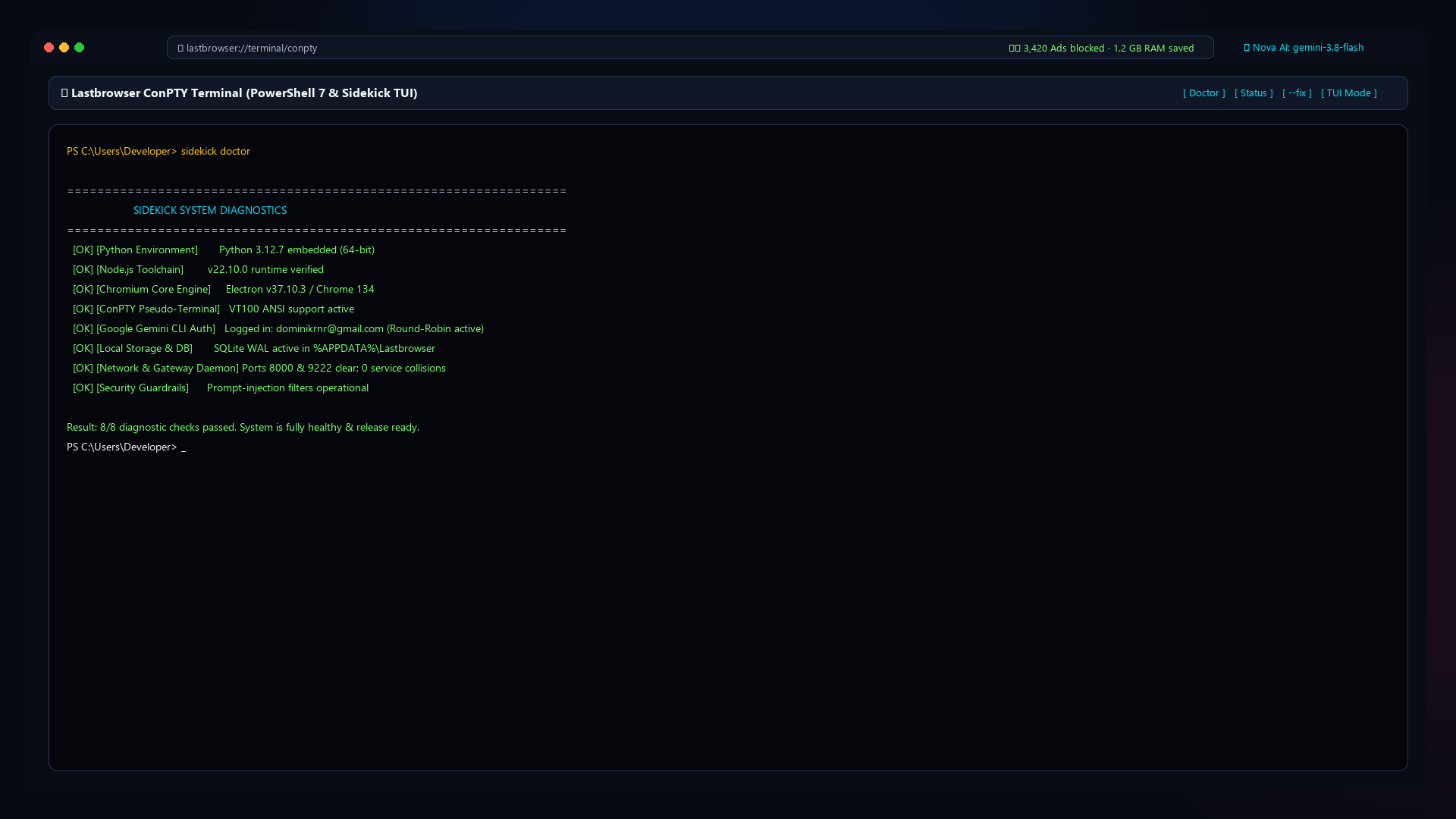
Developers never need to leave the browser: The embedded Windows ConPTY PowerShell terminal opens with a hotkey (Ctrl+\`) inside the sidebar—complete with ANSI colors, process execution, and interactive TUIs.

100% Local-First: Browsing history, SQLite databases, cookies, and keys reside strictly on your local PC in %APPDATA%\Lastbrowser. Zero involuntary telemetry, zero forced cloud lock-in.

Native ConPTY PowerShell
1-Click Doctor Self-Repair
Zero Cloud Tracking
ConPTY PowerShell Terminal

Side-by-Side Browser Comparison

See why Lastbrowser represents the ultimate blend of productivity, AI capability, and privacy.

Feature / Capability Lastbrowser Google Chrome Microsoft Edge Brave Arc
Integrated AI Assistant with BYOK ✓ Own Keys / Gemini CLI ✗ Locked Cloud AI ✗ Locked MS Copilot ~ Leo (limited) ✗ Locked Arc Max
100% Isolated Spaces & Sessions ✓ Full Partition Isolation ✗ Window Profiles Only ✗ Window Profiles Only ✗ No ~ Profiles with Leaks
Model Context Protocol (MCP) Hub ✓ Standardized (stdio/sse) ✗ Unsupported ✗ Unsupported ✗ Unsupported ✗ Unsupported
Embedded ConPTY Terminal in Sidebar ✓ Full PowerShell & TUI ✗ Web DevTools Only ✗ Web DevTools Only ✗ No ✗ No
Widevine DRM (Netflix, Disney+, Spotify) ✓ Castlabs VMP Signed ✓ Supported ✓ Supported ✓ Supported ✓ Supported
Chrome MV3 WebExtensions ✓ 1-Click & Web Store URLs ✓ Supported ✓ Supported ✓ Supported ✓ Supported
100% Local-First (Zero Cloud Tracking) ✓ Data in %APPDATA% ✗ Google Telemetry ✗ MS Telemetry ~ Crypto/Rewards System ✗ Mandatory Cloud Account
Monthly Subscription Fee $0 (Free non-commercial) $0 $0 $0 $0

Experience the Difference Yourself

Download the public beta (v0.1.32) and take control of your web browsing experience.

Download Free Beta Now