The AI-Native Browser for Windows. 100% Local-First.
Not just another web wrapper. LastBrowser merges browser speed with Sidekick Copilot, 48 curated agentic workflows, embedded ConPTY Windows terminal, Castlabs Widevine DRM L3, and true session isolation in Spaces.
Free & Local-First for Personal Use · No Account Required · Windows 10 & 11 (64-Bit)
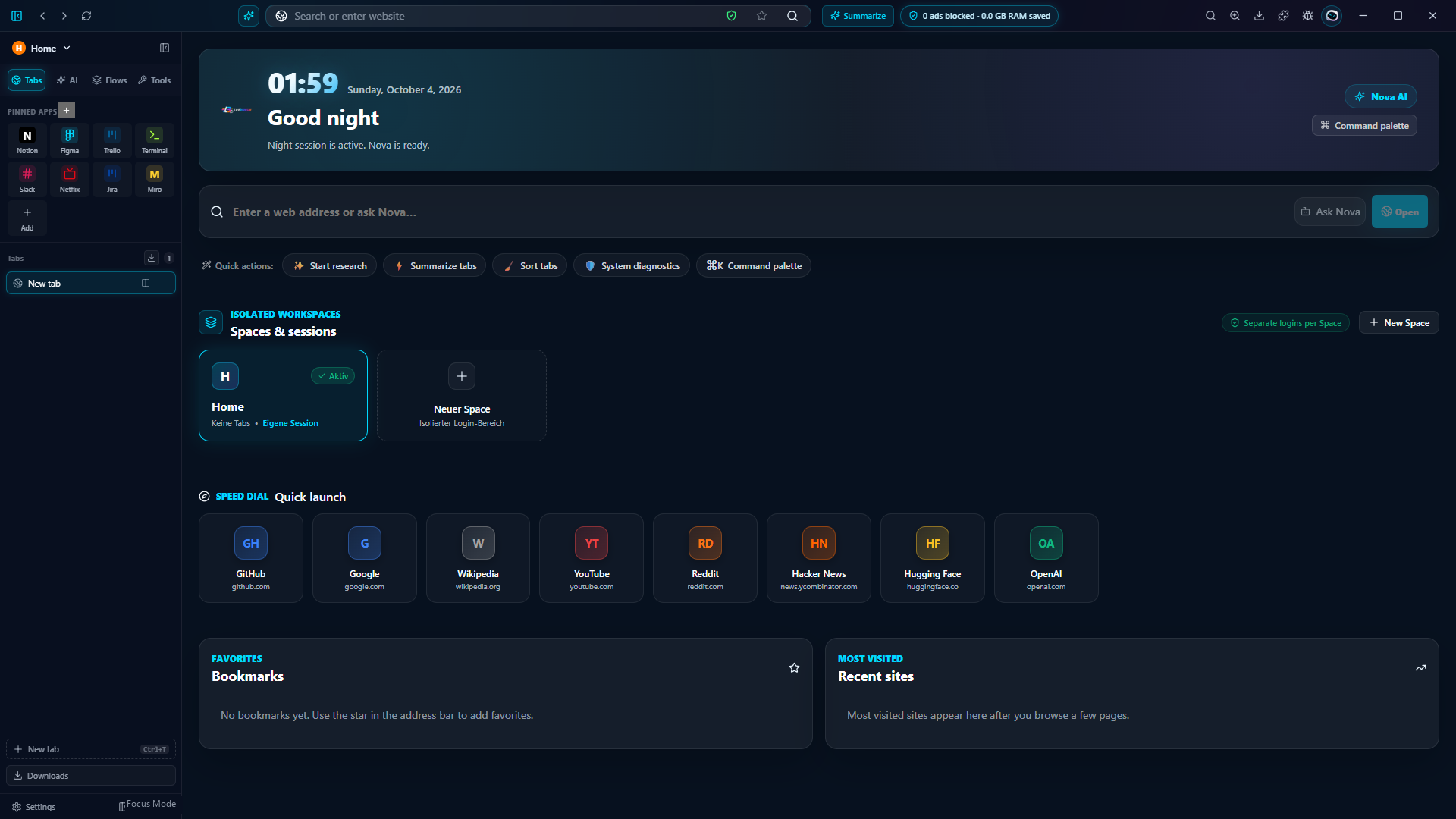
Engineered for Developers, Creators & Power Users
Discover why LastBrowser is much more than a standard browser: a multi-tool workstation for Windows.
Native ConPTY Terminal
A true Windows pseudo-console directly inside the browser rail (Ctrl+\`). Run PowerShell, CMD, Git, npm, Python, or local Ollama models without leaving your flow.
Multi-Account Spaces
Fully partitioned cookie jars, caches, and storage via persist:profile:space. Seamlessly switch between personal and work accounts inside the same window.
Castlabs Widevine DRM L3
Full HD streaming playback for Spotify, Netflix, Disney+, and Prime Video powered by Castlabs Electron Widevine CDM integration.
HD Streaming ReadySidekick & BYOK
Connect supported AI providers with your own credentials, or use local Ollama models. Provider availability and any charges depend on the service.
Bring Your Own Key48 Agentic Workflows & MCP
Curated skills for scientific paper summarization, OpenAPI extraction, regex debugging, and 1-click external MCP servers (PostgreSQL, Filesystem).
Model Context ProtocolZero Involuntary Telemetry
Your browsing history, tabs, and credentials never leave your PC. Everything stays local in %APPDATA%\Lastbrowser, protected by Windows DPAPI.